


 Meta
 Messenger
 Instagram
 Email
 WhatsApp
 Website
 OpenAI / AI
 Call Management
 File Manager
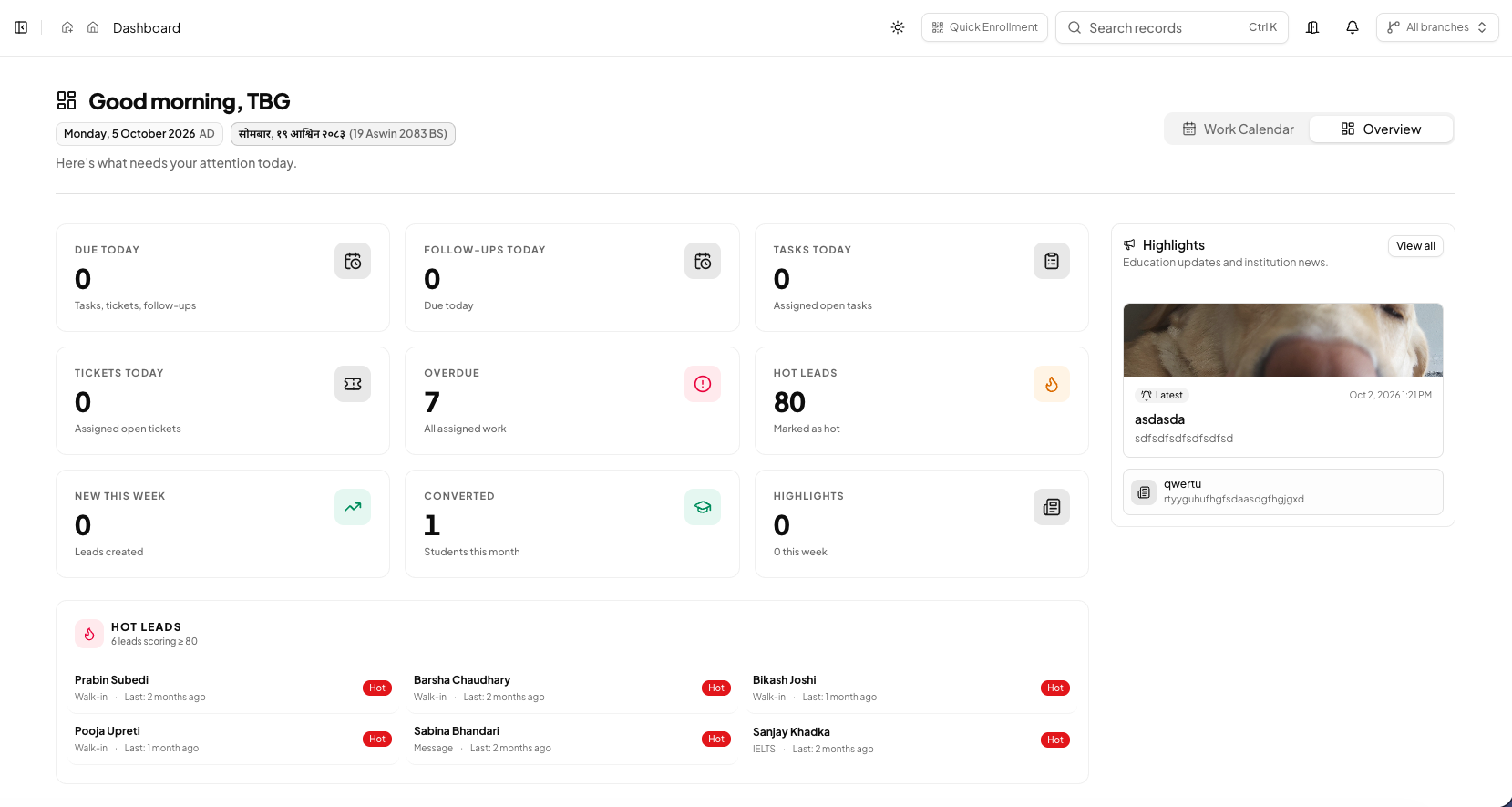
Start with an operational question
Decide what you want to understand, such as pending follow-ups or application progress. Use consistent periods and status definitions.
Review the activity behind the figures
Look at workload, ownership and recorded activity alongside the numbers. Check context before comparing teams or branches.
Agree on an action
Choose a concrete next step, assign its owner and set a review date. Use the next report to discuss whether the action addressed the issue.
BEFORE YOUR TEAM GETS STARTED
Back to all product guidesAgree on the next action.
Confirm who owns this workflow, which information they need and how the team will review pending work. Available tools depend on your plan, configuration and assigned permissions.
Find related answers