Report Builder
Build focused reports around the operational questions your team needs to answer.



See how education consultancies are working smarter with Omne Agent.
 Meta
 Messenger
 Instagram
 Email
 WhatsApp
 Website
 OpenAI / AI
 Call Management
 File Manager
Mailchimp
Slack
Build focused reports around the information your consultancy needs. Choose relevant details, preview the results and save a useful view for your next operational review.
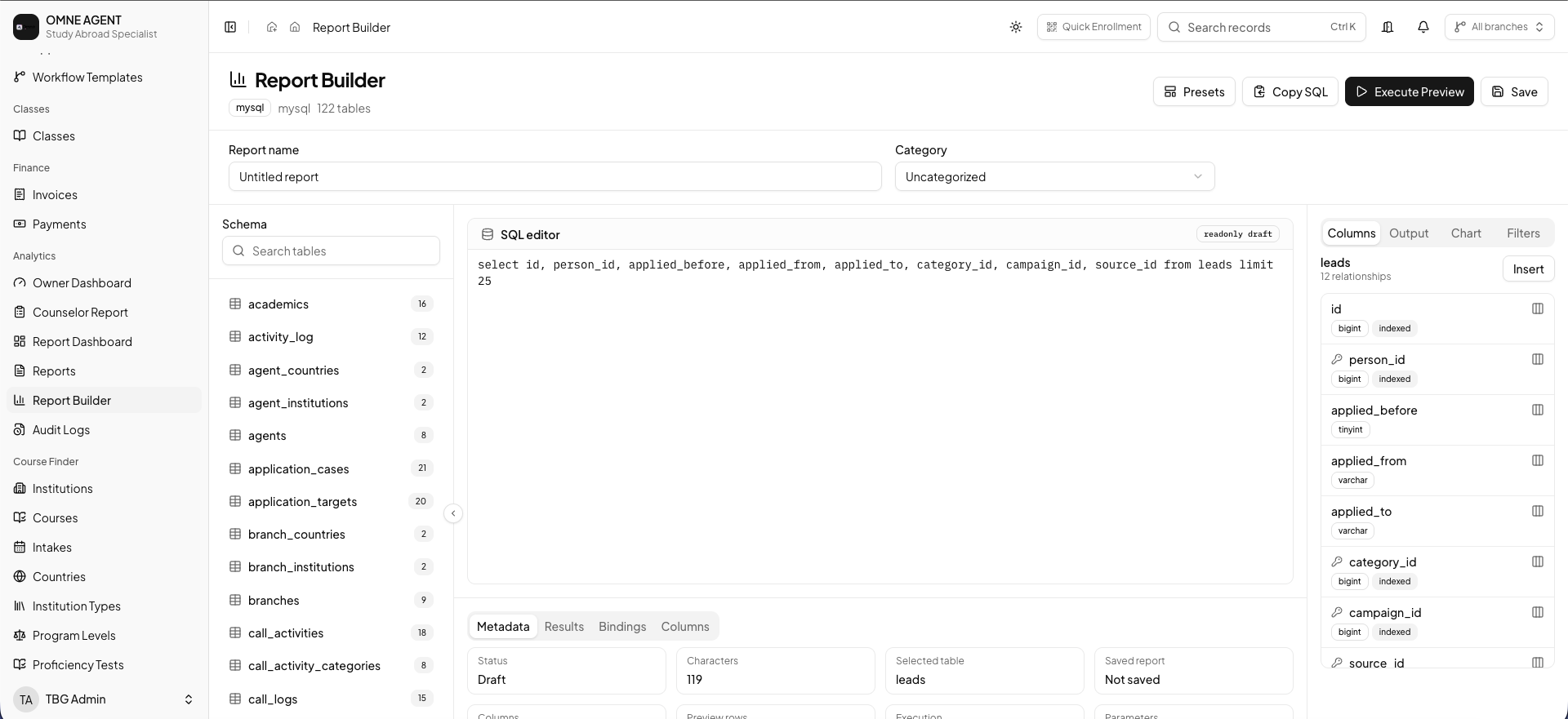
Bring relevant records, report settings and result previews together in one workspace.
Build focused reports around the operational questions your team needs to answer.
Choose the available fields that bring the right details into your report.
Use available filters to focus the report on the records relevant to your review.
Preview the result and check that it answers your question before saving.
Explore available chart settings to present the report in a useful way.
Name, categorize and save report definitions for the reviews you return to.
A practical reporting flow for the reviews that matter to your consultancy.
Define the purpose of the report before choosing its details. Decide which records and fields will help your team review progress, pending work or operational activity.
Use the available columns, filters and output settings to focus the report. Run a preview and review the results before relying on them in a team discussion.
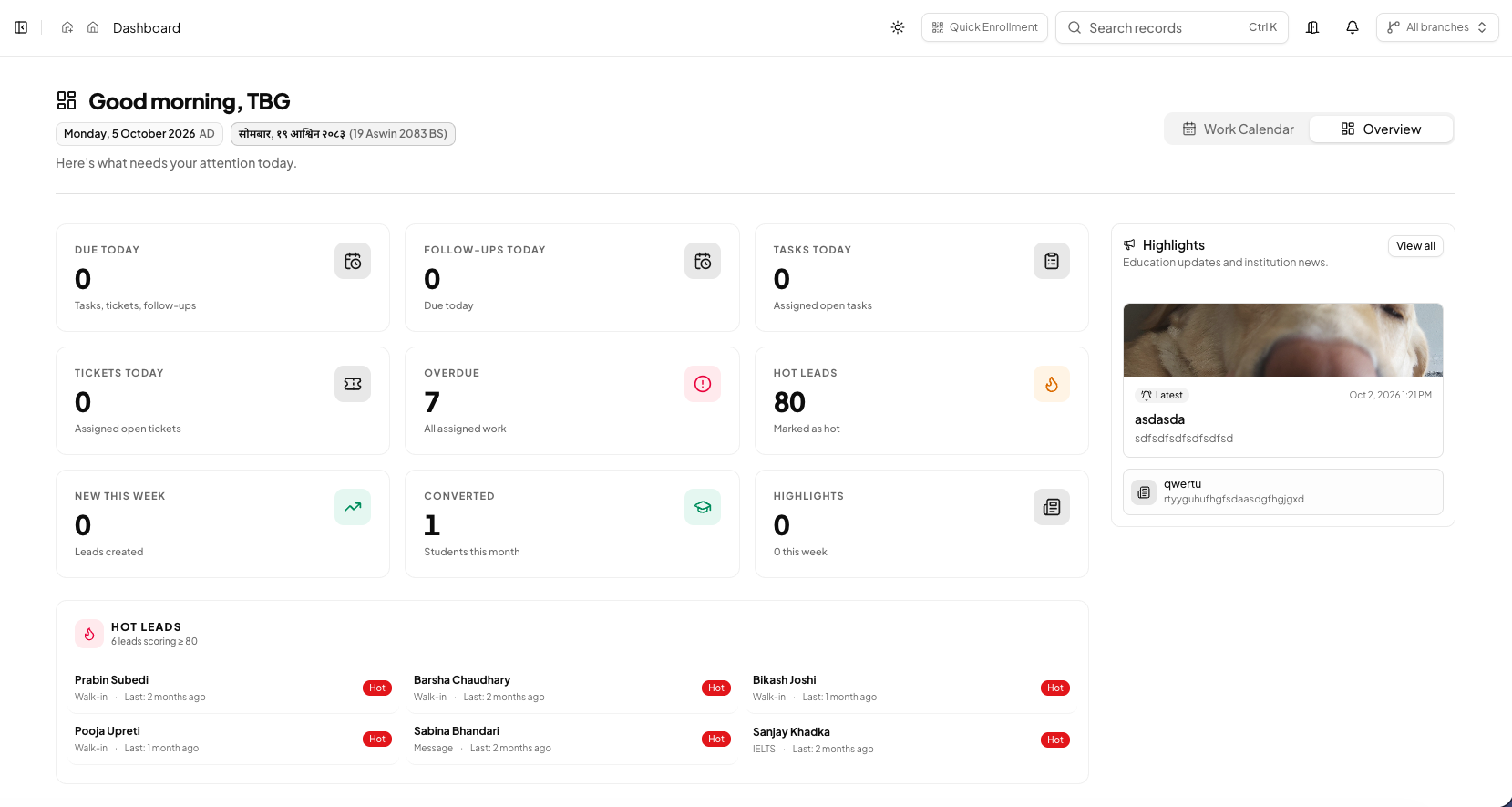
Name and categorize the report so its purpose is clear. Use reporting alongside the wider dashboard picture to keep management conversations focused on practical next steps.
The essentials for shaping, reviewing and saving reports.
Explore the report builder and see how custom reporting can support your consultancy’s regular reviews.