0%
OMNE AGENT UNIFIED INBOX

Every conversation, with the full picture.

Keep student conversations close to the work. Connect communication history, notes and next actions so your team can respond with context.

Connected history Student context Clear handovers
Communication workspaceExample
AS
Aarav SharmaApplication documents
RK
Riya KarkiCounseling follow-up
SP
Samir PandeyIntake preferences
Aarav SharmaApplication preparation
Which documents should I prepare for my application?
Let’s review the pending requirements together. I’ll confirm the next steps with our admissions team.
Context stays connectedStudent record · Notes · Application
Next action: document follow-up
Illustrative conversation showing connected student context.
KEY FEATURES

Keep the conversation connected to the student.

Give counselors and operations teams the history and next actions they need for informed responses.

Connected Communication

Bring relevant student conversations and communication history into one view.
Student Context

Keep the lead or student record close to the conversation.

Email Activity

Follow email conversations alongside the student’s operational journey.

Notes & History

Understand previous discussions and recorded outcomes before responding.

Calls & Meetings

Keep call notes and meeting activity connected to the relevant record.

Team Handovers

Help colleagues continue conversations with shared context.

Connected Next Actions

Coordinate follow-ups and responsibilities after each conversation.

Controlled Visibility

Keep access aligned with authorized roles and team responsibilities.

HOW IT WORKS

Read with context. Respond with clarity.

Connect the conversation, the student record and the work that follows.
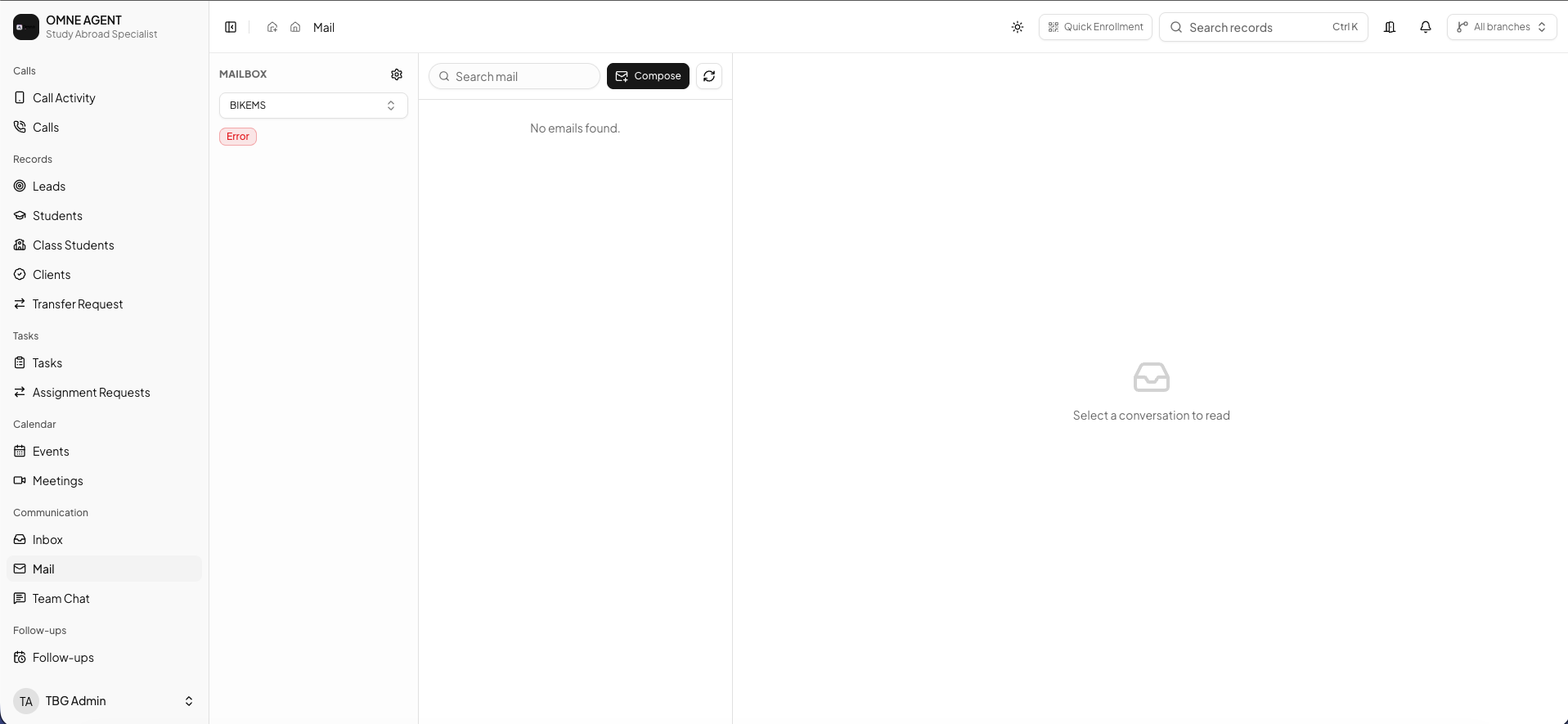
Omne Agent email workspace
01

Find the conversation and its context

Review communication alongside the relevant student or lead. Earlier discussions and operational information help your team understand the request before responding.
  • Connected communication history
  • Relevant student information
  • Context across the student journey
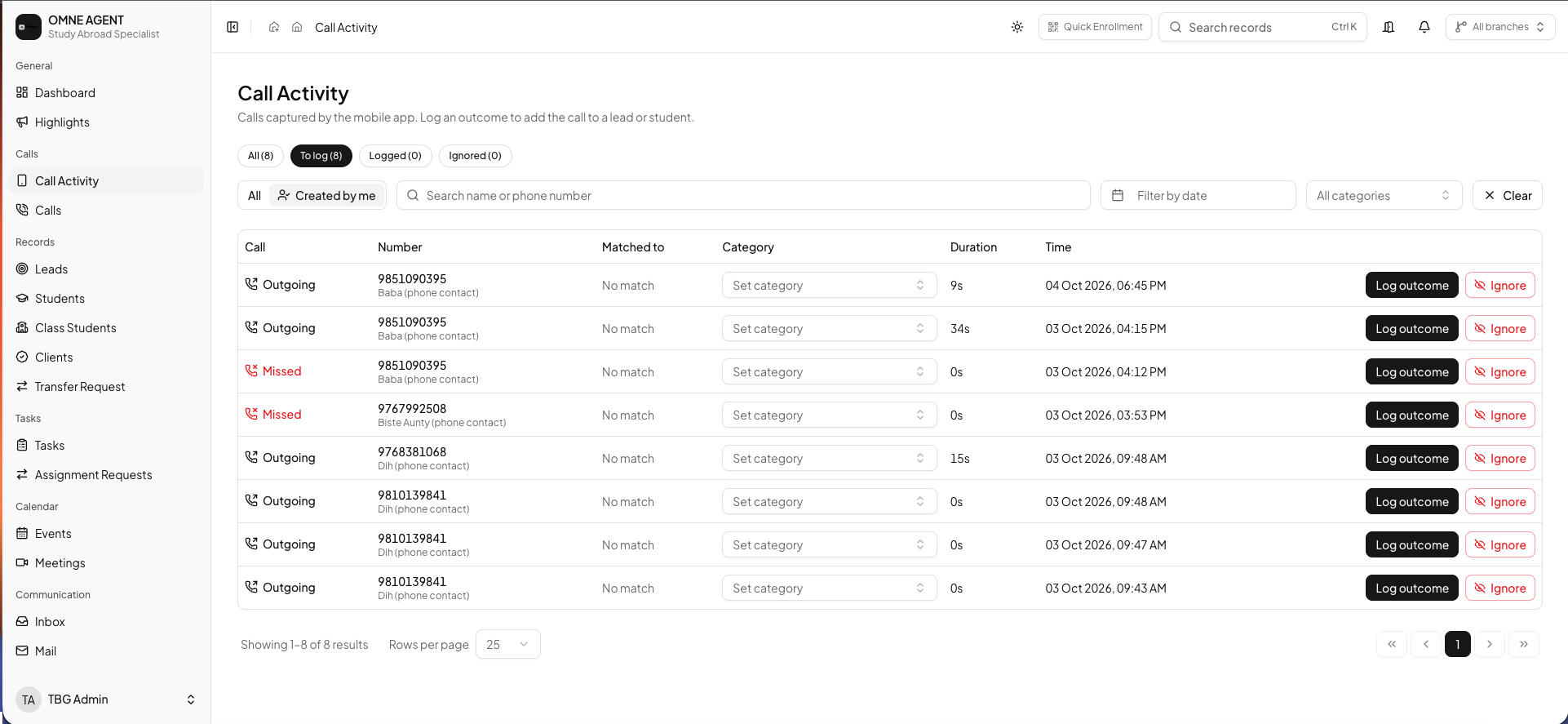
Omne Agent call activity records
02

Keep the team informed about what happened

Capture important notes, call outcomes and meeting activity against the record. Colleagues can continue the conversation without asking the student to repeat the same information.
  • Student-specific notes
  • Call and meeting outcomes
  • Context for team handovers
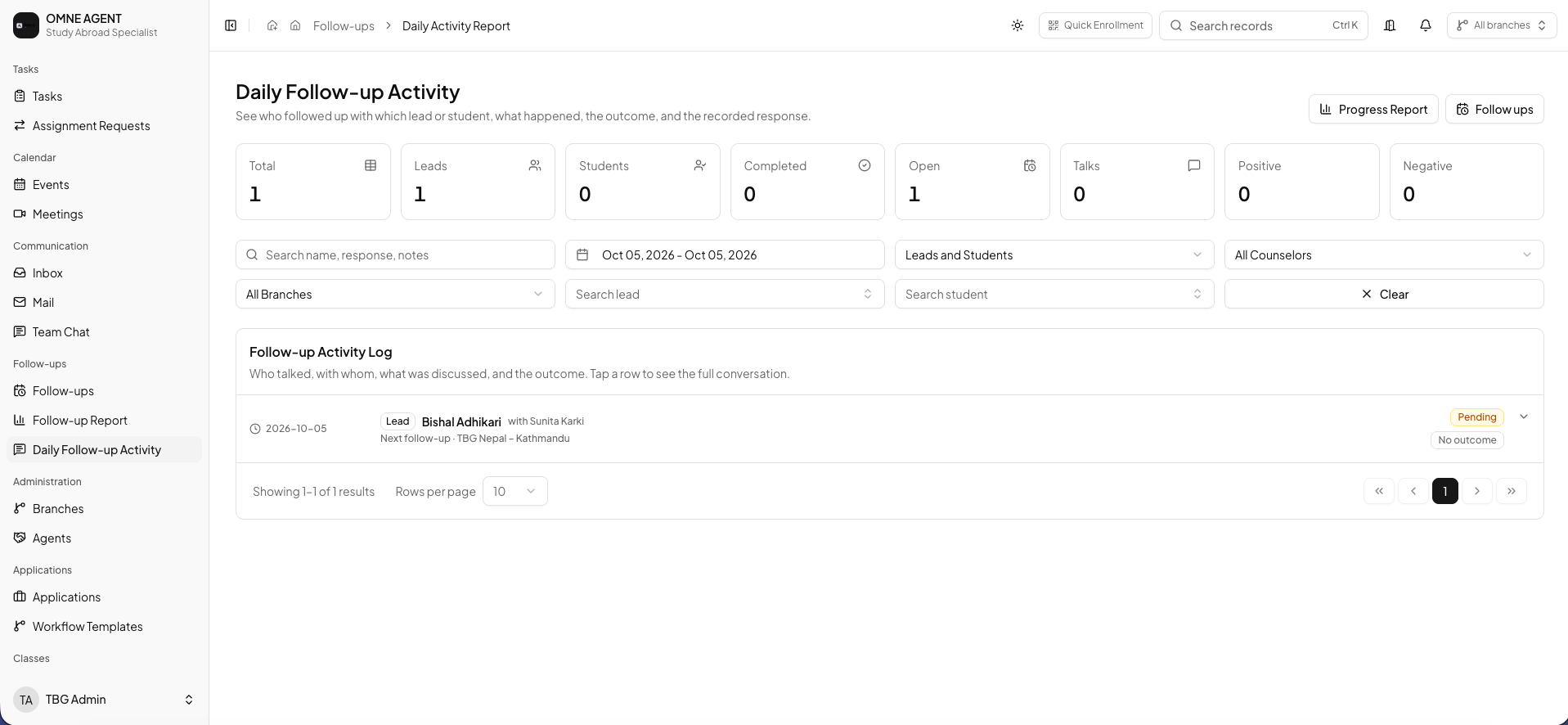
Omne Agent follow-up workspace
03

Make the next action clear

After a conversation, keep the next follow-up or task connected to the student. Clear responsibilities help counseling, admissions and operations teams stay aligned.

  • Connected follow-ups
  • Tasks and responsible staff
  • A visible next step
FREQUENTLY ASKED QUESTIONS

Questions about connected communication?

What to know before bringing your team’s conversations into one workflow.

The unified inbox is presented as a connected view of student conversations and communication history. Email activity, notes, calls and meeting records support that broader communication workflow.

Available channels depend on your selected plan and configured integrations. Discuss email, social messaging and other channel requirements during your demo.

Relevant communication history can remain connected to the lead or student as they move through counseling, applications and later operational stages.

Connected notes and activity history help authorized colleagues understand earlier discussions and continue with the right context.

Teams can coordinate follow-ups and next actions around the relevant student record, keeping communication close to the operational work.
BRING YOUR CONVERSATIONS TOGETHER

Help your team respond with context.

Explore how Omne Agent connects student communication, activity history and next actions in a personalized demo.

BOOK A FREE DEMO