Team User Management
Bring counselors, admissions staff, visa officers and managers into one platform.


See how education consultancies are working smarter with Omne Agent.
 Meta
 Messenger
 Instagram
 Email
 WhatsApp
 Website
 OpenAI / AI
 Call Management
 File Manager
Mailchimp
Slack
Bring your teams into one connected platform with roles that reflect how they work. Keep access controlled, ownership clear and management informed.
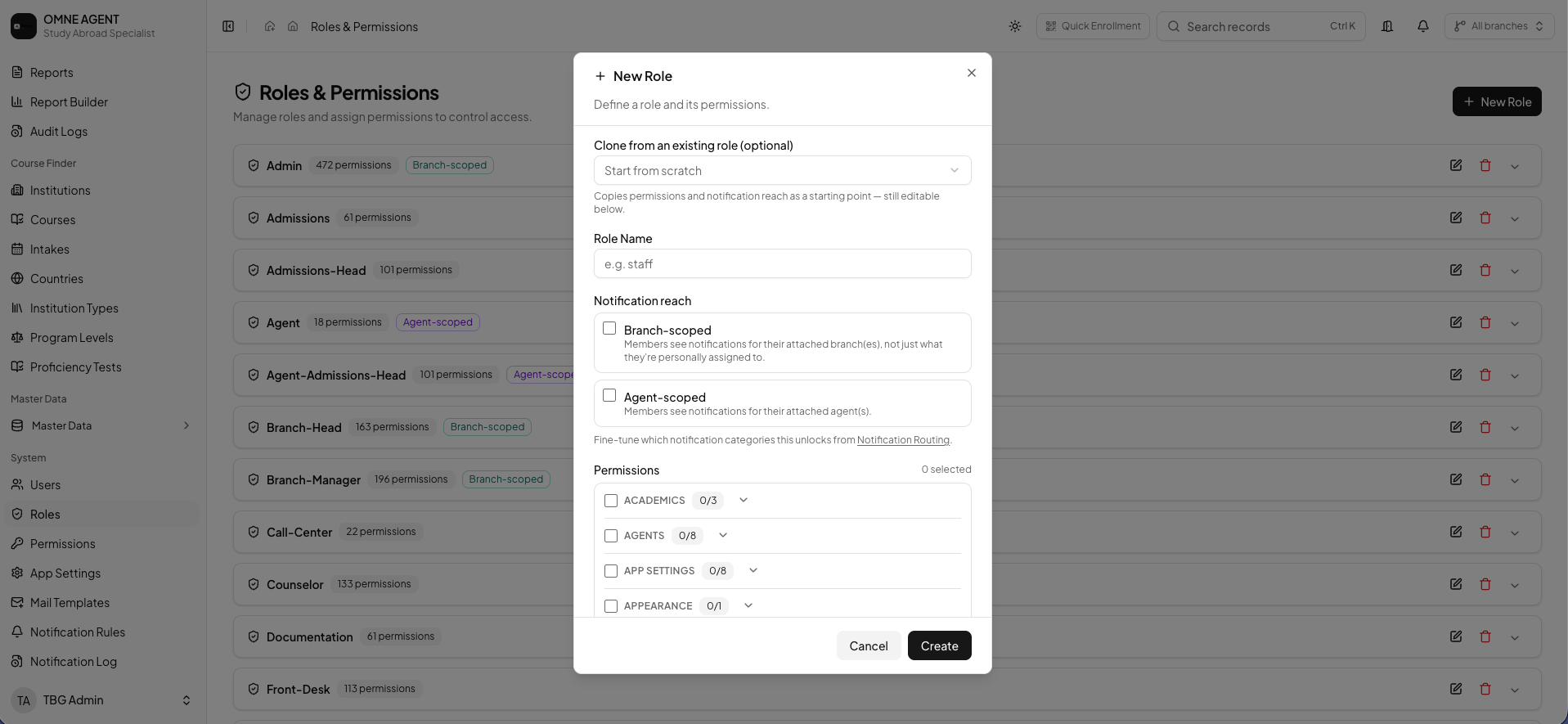
Connect people, responsibilities and operational visibility across your consultancy.
Bring counselors, admissions staff, visa officers and managers into one platform.
Define roles around the responsibilities of your consultancy teams.
Control access to information and tools relevant to each role.
Align user responsibilities with the locations and teams they support.
Keep lead, student and operational information available to authorized staff.
Give authorized leaders oversight of team activity and pending work.
Understand who performed important actions and when they happened.
Keep operational ownership visible across the student journey.
A practical structure for teams working across the student journey.
Organize access around real responsibilities such as counseling, admissions, visa processing, operations and management. Clear roles help teams understand the work they own.
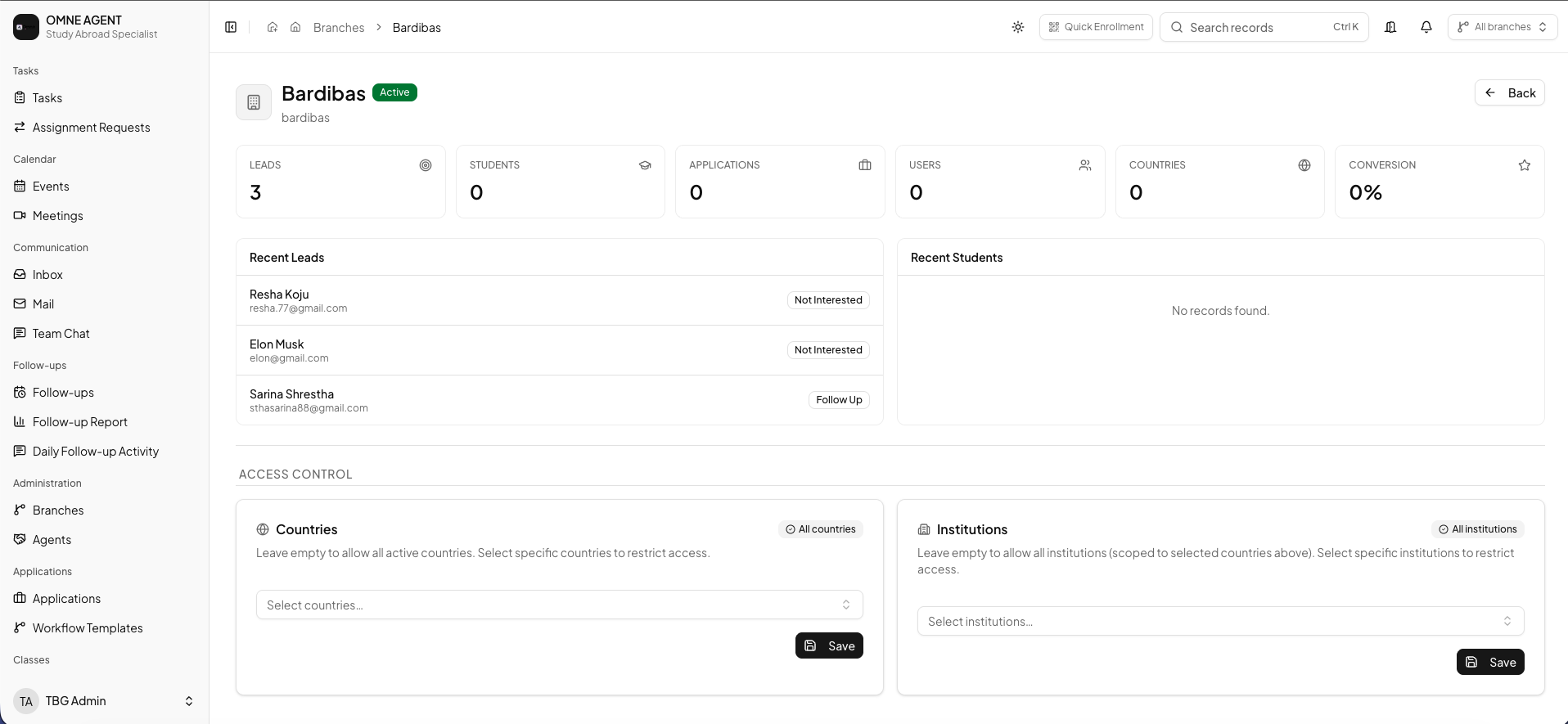
Configure permissions so authorized staff can use the tools and records appropriate to their duties. Keep branch responsibilities and management oversight aligned with your organization.
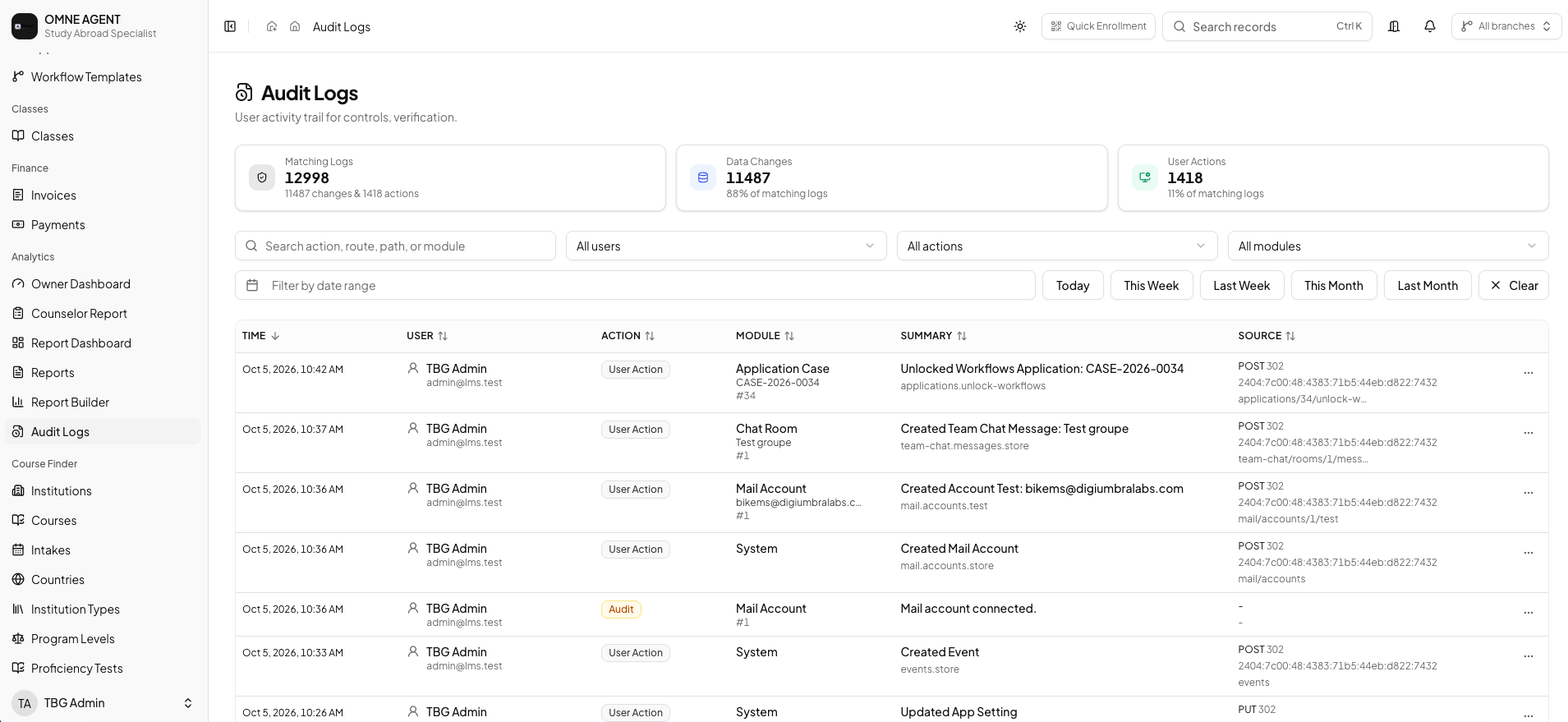
Use audit and activity records to understand important operational actions. Authorized managers can review ownership, pending work and progress without losing the student context.
The essentials for organizing team access and responsibilities.
Explore how Omne Agent can organize user roles, permissions and management visibility for your consultancy.