


 Meta
 Messenger
 Instagram
 Email
 WhatsApp
 Website
 OpenAI / AI
 Call Management
 File Manager
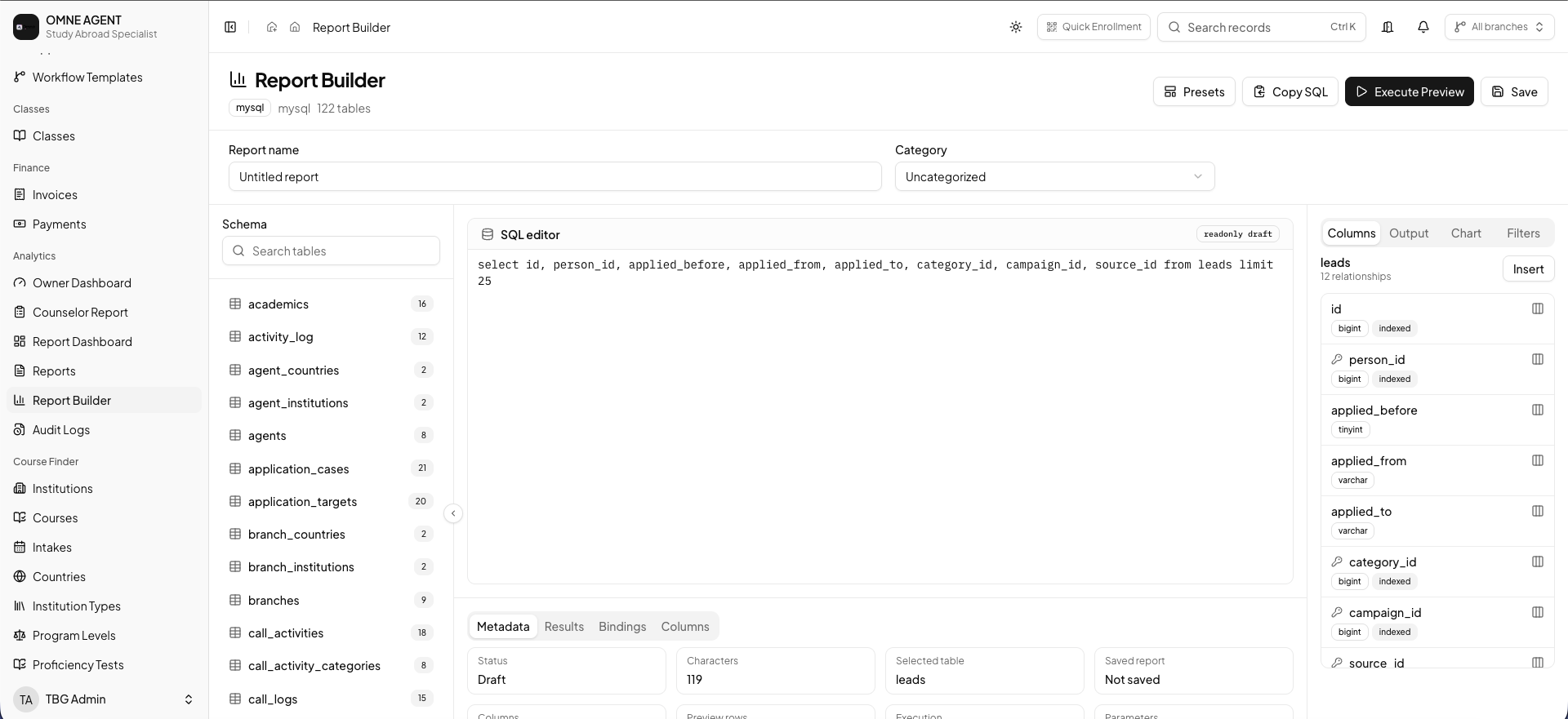
Define the reporting purpose
Choose a question and identify the information needed to answer it. Agree on the relevant date range and operational definitions.
Use available report controls
Build the view using the reporting fields and options supported by your setup. Confirm access and plan capabilities with your administrator.
Check the report in context
Review the output against the underlying records and discuss what action it supports. Keep the purpose clear when sharing findings with the team.
BEFORE YOUR TEAM GETS STARTED
Back to all product guidesAgree on the next action.
Confirm who owns this workflow, which information they need and how the team will review pending work. Available tools depend on your plan, configuration and assigned permissions.
Find related answers