


 Meta
 Messenger
 Instagram
 Email
 WhatsApp
 Website
 OpenAI / AI
 Call Management
 File Manager
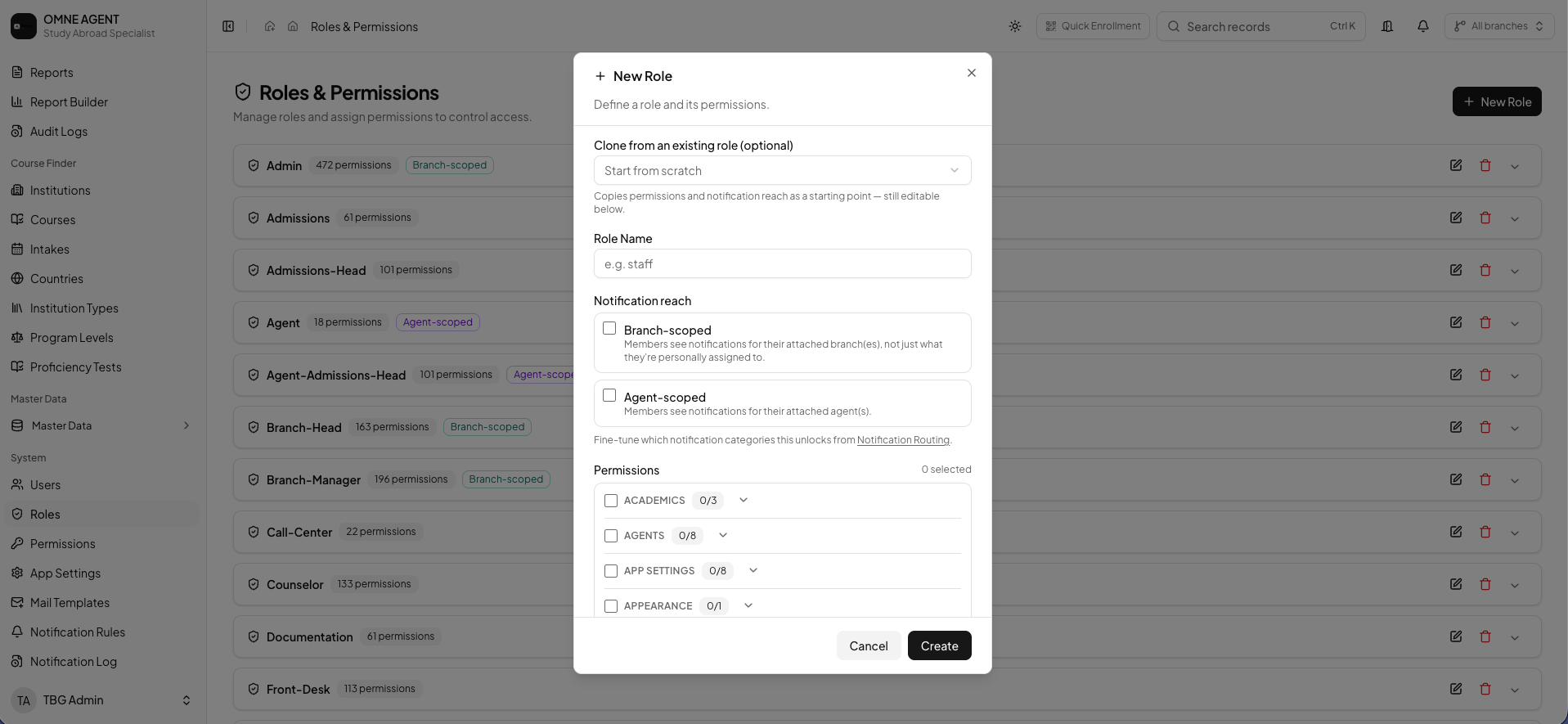
Define responsibilities
Identify which work each role should handle and which records it needs. Review responsibilities before assigning access.
Configure appropriate access
Use the supported role and permission controls with your organization’s administrator. Align access with the person’s actual work.
Review when roles change
Revisit access when staff responsibilities or branch assignments change. Use activity records where available to understand important actions.
BEFORE YOUR TEAM GETS STARTED
Back to all product guidesAgree on the next action.
Confirm who owns this workflow, which information they need and how the team will review pending work. Available tools depend on your plan, configuration and assigned permissions.
Find related answers