


 Meta
 Messenger
 Instagram
 Email
 WhatsApp
 Website
 OpenAI / AI
 Call Management
 File Manager
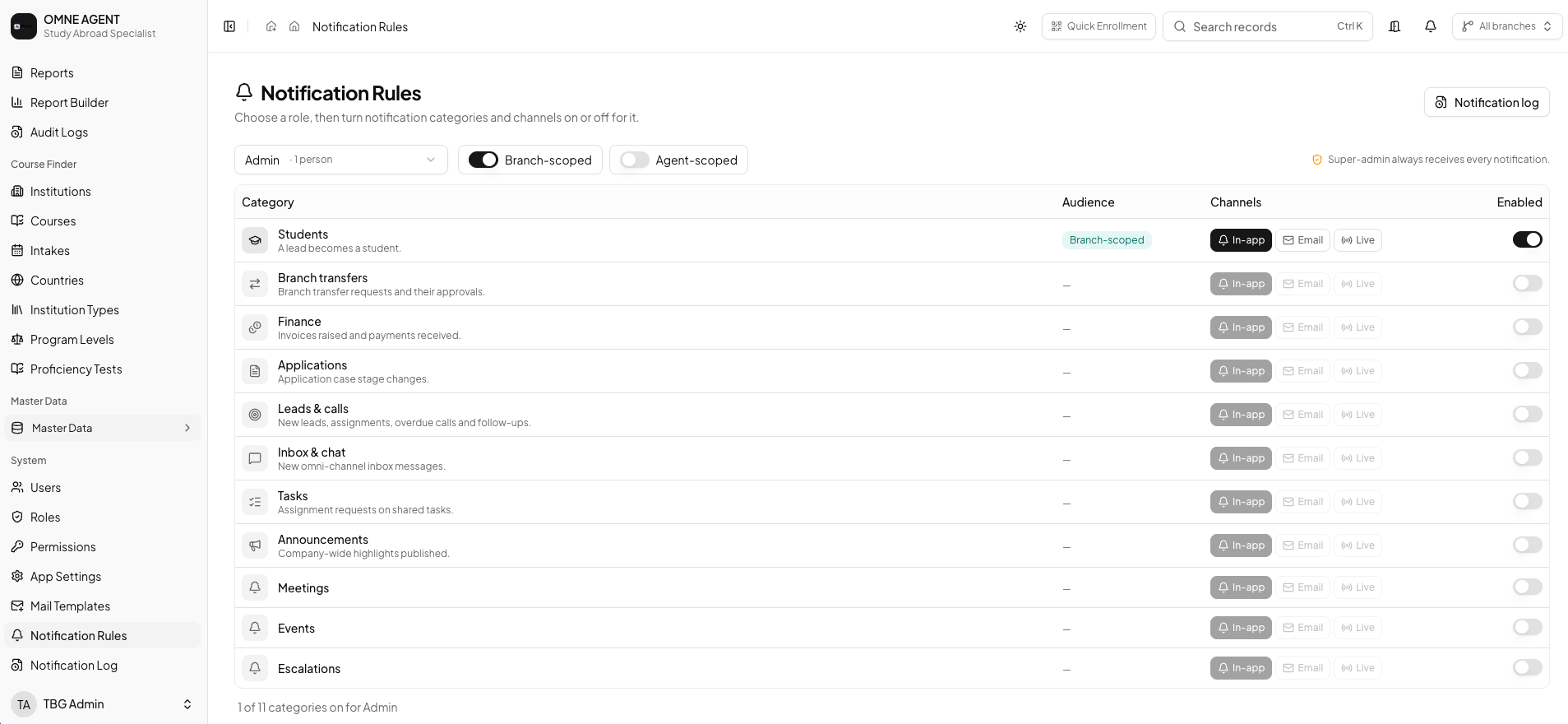
Identify useful updates
Choose events that require staff attention and define who needs the information. Avoid treating every update as equally urgent.
Review available rules
Configure supported notification rules around your workflow and responsibilities. Confirm the available settings for your plan.
Check the result
Review whether recipients receive useful context at the right point in the process. Ask your administrator to review rules that do not match expectations.
BEFORE YOUR TEAM GETS STARTED
Back to all product guidesAgree on the next action.
Confirm who owns this workflow, which information they need and how the team will review pending work. Available tools depend on your plan, configuration and assigned permissions.
Find related answers